Partner Dashboard
The Partner Dashboard at partners.storage.dev is where you manage your Tigris partner integration. Log in with your provider credentials to create organizations, manage buckets and access keys, and view usage and billing.
Access is by invitation after you join the partner program — get started to receive your provider credentials and portal invite.
Organizations
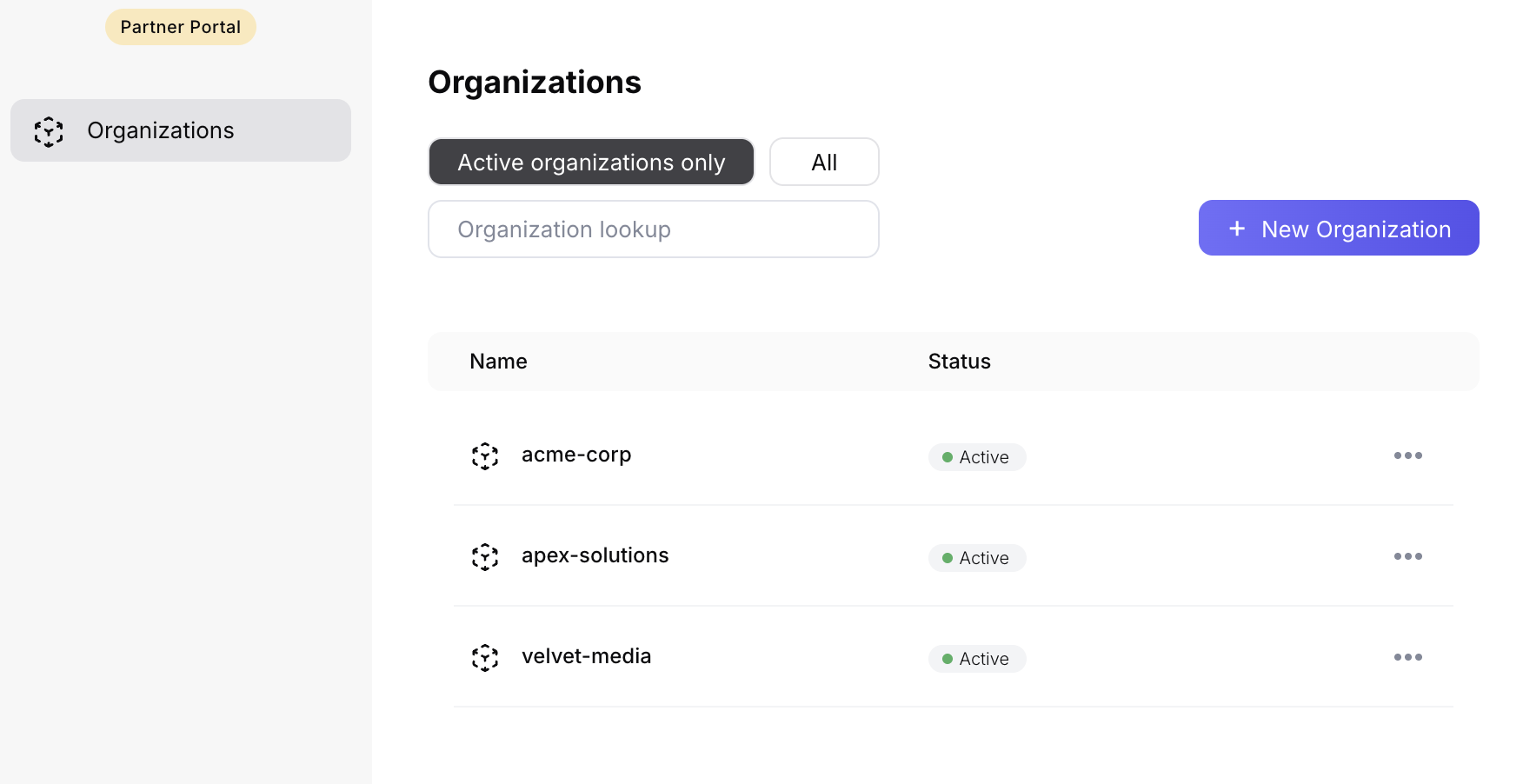
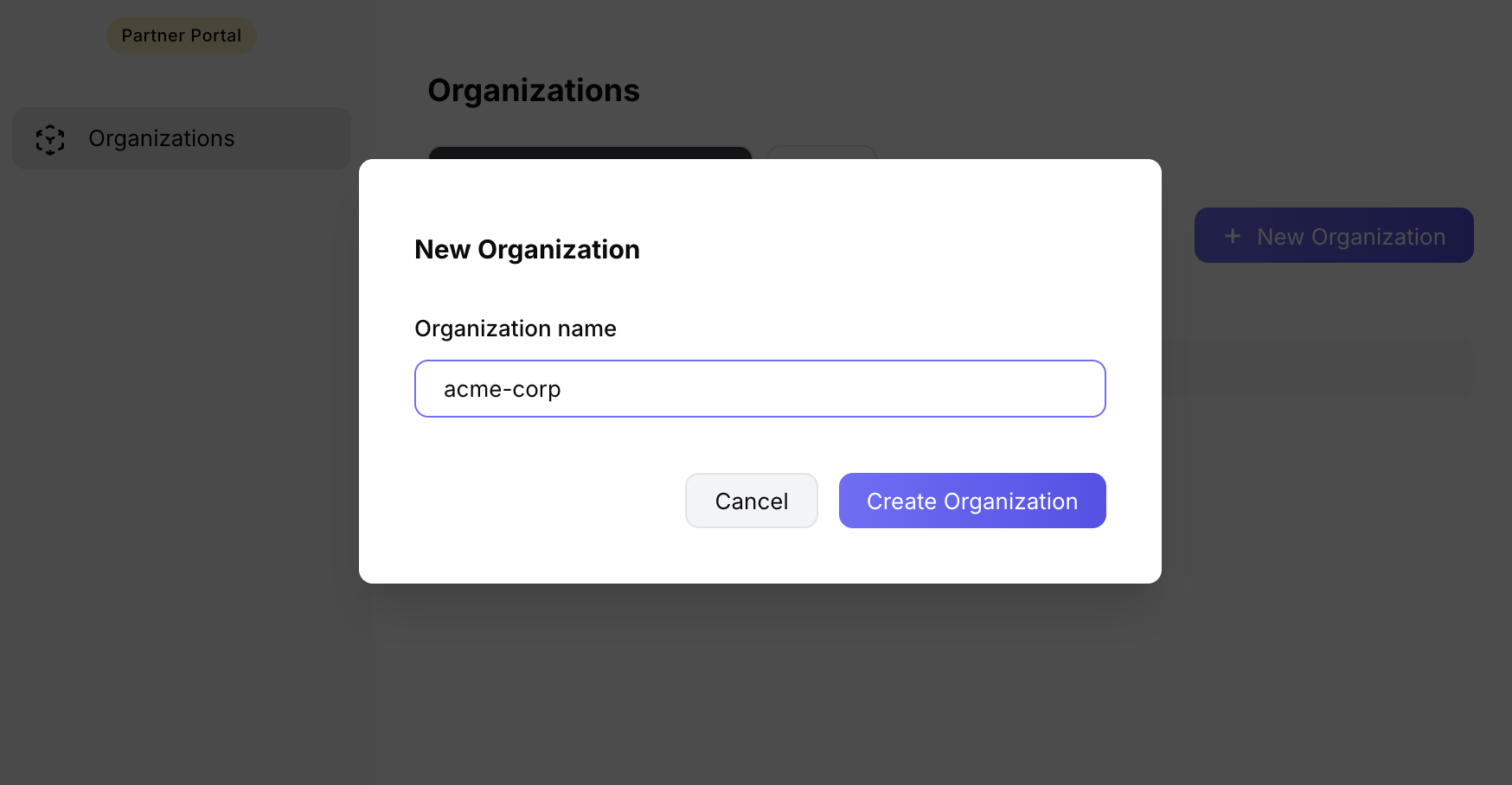
Use the dashboard to create and manage organizations for your customers.
- Create a new organization when you onboard a tenant. You can set the org name, initial admin user, and optionally provision a first bucket in the same step.
- View the list of organizations under your provider to see all customer orgs, their status, and quick links into each org's buckets and keys.
- Deactivate an organization when offboarding a tenant. Deactivation invalidates all access keys for that org immediately; buckets and data remain for recovery or compliance until you delete them.
Buckets
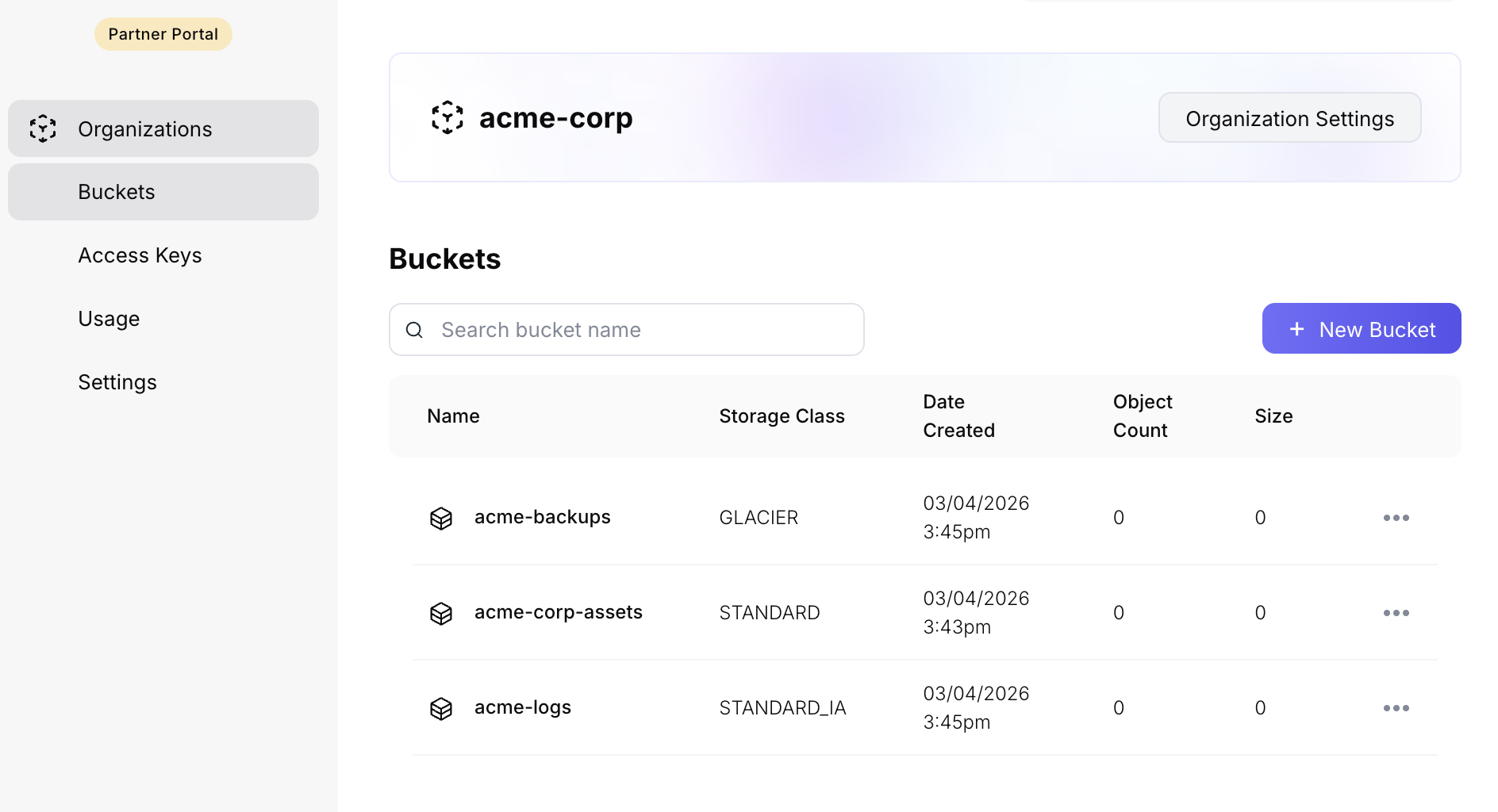
Buckets are created within an organization. From the dashboard you can:
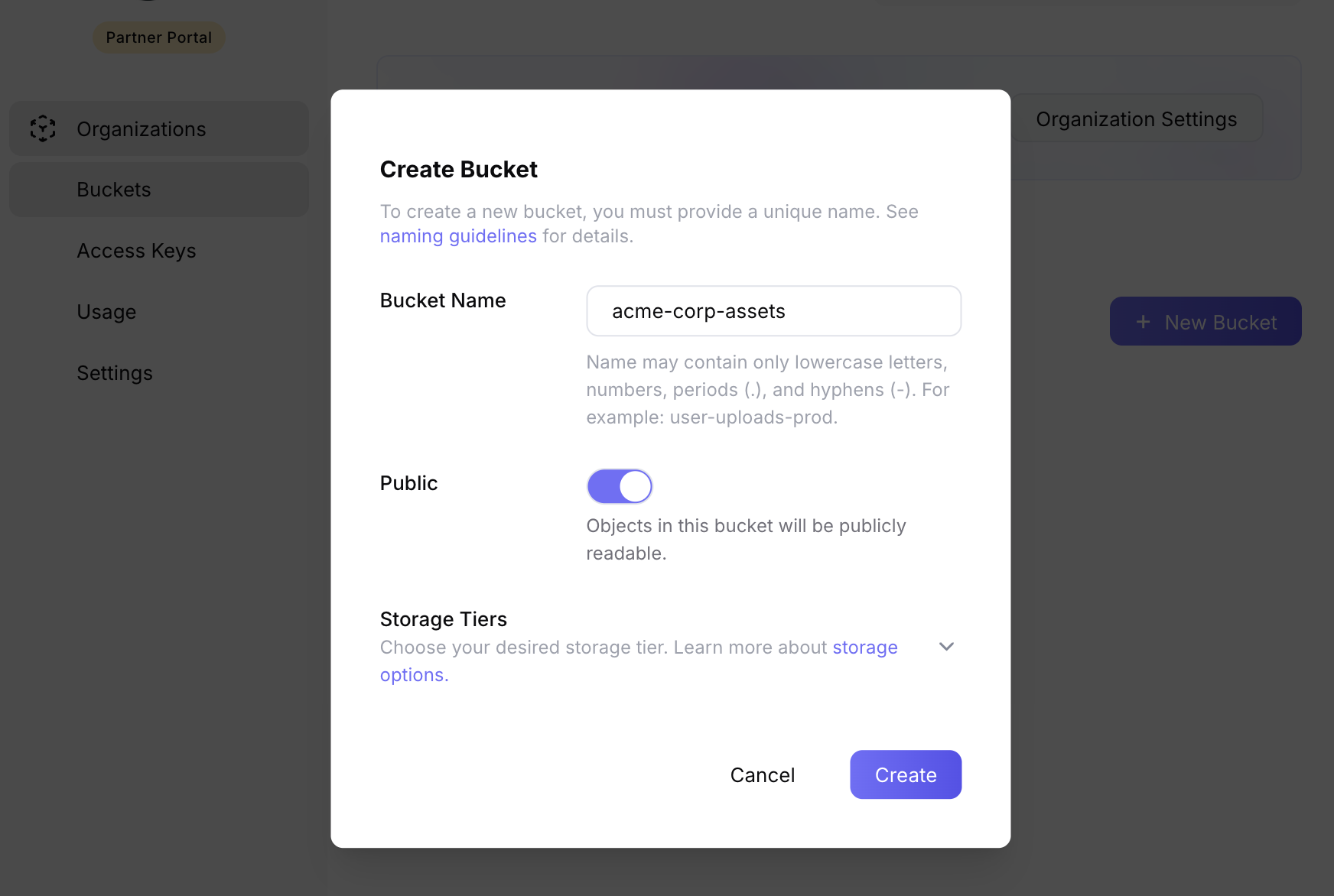
- Create buckets for a given organization and choose name, regions, and storage class.
- View buckets across your organizations and see which org each bucket belongs to.
- Configure bucket settings such as public vs private access and lifecycle options.
Access Keys
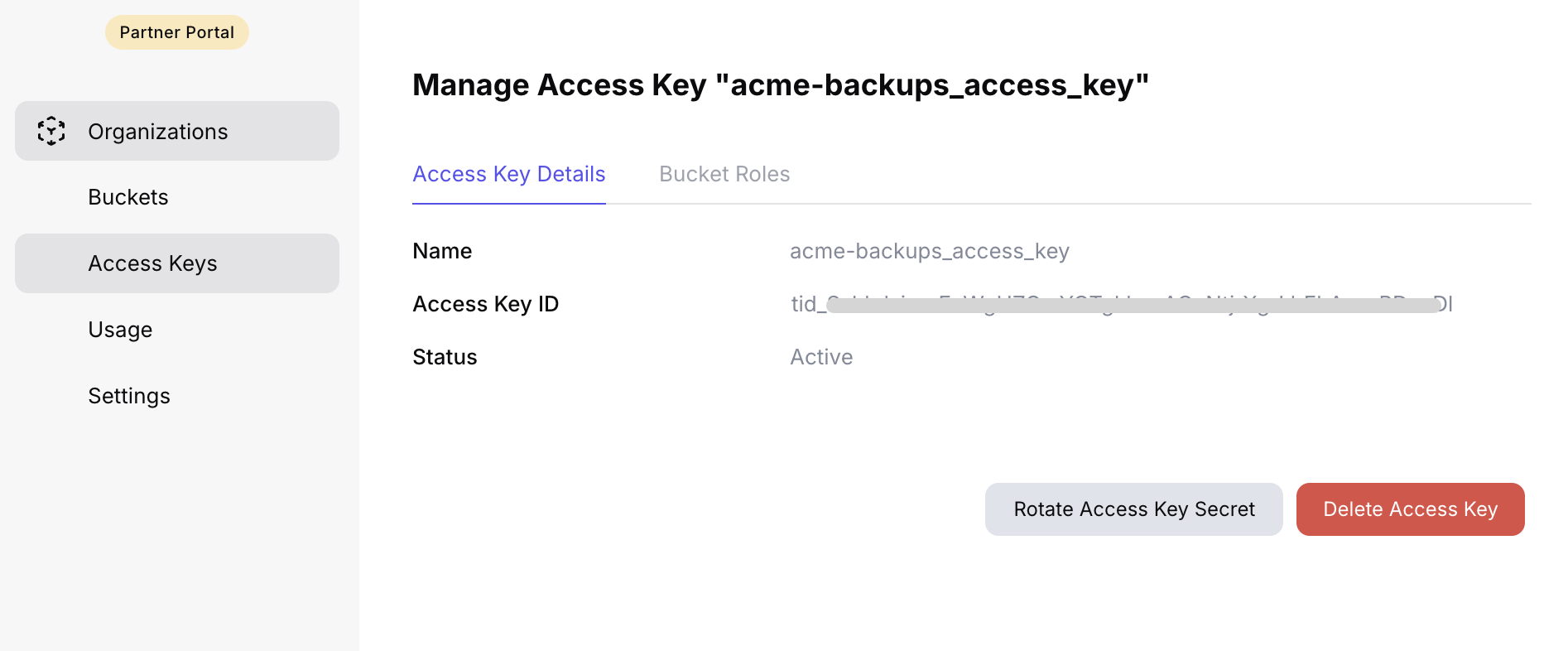
Access keys are S3-compatible credentials scoped to an organization. In the dashboard you can:
- Create access keys for an organization (and optionally restrict them to specific buckets).
- Rotate keys by creating a new key and revoking the old one.
- Revoke keys when a user leaves or a key is compromised.
Billing and Usage
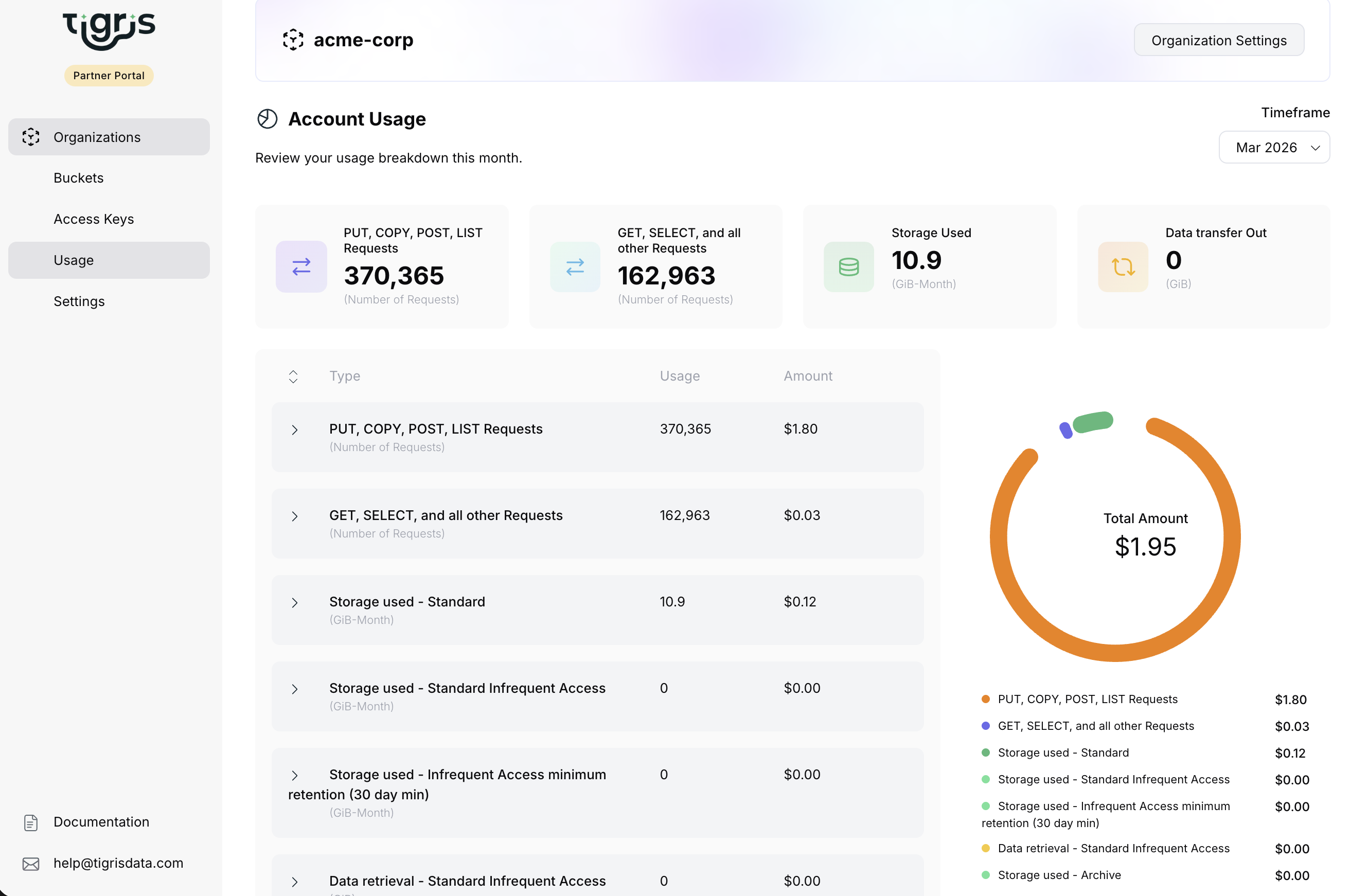
View usage and billing per organization to run your own billing logic or cost allocation.
- Filter by date range to get usage for a billing period.
- See per-organization totals so you can attribute costs to each tenant.
- Use the breakdown (storage, requests, bandwidth) to understand what drives cost.
Dashboard vs API
Use the dashboard for day-to-day management, quick setup, debugging, and billing review. Use the Partner Integrations API when you need to automate:
- Provisioning new organizations and buckets in your signup or onboarding flow
- Programmatic key rotation or revocation
- CI/CD or internal tools that manage storage on behalf of users
- Bulk operations across many organizations
The same operations are available in both places; choose the one that fits your workflow.